Moving home is a big upheaval, and much of the hassle that comes with it is avoidable. The same handful of mistakes show up on move after move, and almost all of them happen weeks before the lorry arrives. Once you know what they are, you can plan around them.
We have been packing and moving families across Bedfordshire since 2002. From our depot at Nimbus Park in Houghton Regis we cover Dunstable, Leighton Buzzard, Luton, Milton Keynes and the wider LU5 corridor, and most of our work still comes from word of mouth. That means the same patterns come up move after move, told to us in customer kitchens before the kettle is even packed. This guide walks through the seven most common moving house mistakes we see, why each one bites, and the simple fix that keeps your move calm and on time. If you want a tailored removals quote from a survey-led team, the form takes a minute.
Leaving Packing Too Late
The single biggest mistake we see is leaving the packing until the week of the move. The kitchen is the worst offender. People assume they will pack it on the Saturday before completion, then realise on Friday night that there are eight cupboards, three drawers of utensils, a crockery set passed down from a grandparent, and a bin full of half-used spice jars to deal with.
The fix is to start two weeks out and start with the room you use least: the spare bedroom, the loft, the study or the garage. Pack everything you do not need day to day, label every box across two sides and the top with the room it is going to in the new house, and stack the finished boxes against an internal wall so the rest of the house keeps working. By the final week you should be living out of a kettle, a few mugs, two pans, a single set of plates, and your “first night” box.
If the time is not there, ask. Our packing service flexes from breakables only up to a full pack and unpack with material disposal at the end. People often book it for the kitchen alone and pack the rest themselves.
Underestimating How Much Needs to Be Moved
Plenty of customers tell us their three-bed semi will fit on a single Luton van. Often it does not. A fully loaded family home, lofts and sheds included, holds far more than people remember, and the lorry that turns up on the day needs to be sized accurately or the team ends up doing two trips at the customer’s expense.
The reason this matters is that a fixed-price removals quote depends on the volume an estimator measures during the survey. If the survey is rushed, or done over email with a quick room count, the volume comes out low and the quote comes out wrong. The remover then either runs out of space on the day or charges extra for the second run.
The fix is a proper survey visit. A good estimator takes around thirty minutes, walks every room, opens the loft hatch, looks in the shed, lists what is going and what is staying, and notes any access issues at both ends. They then quote a fixed price built around your real inventory rather than a guess. If a firm refuses to visit and only quotes by email, treat that as a warning sign.
It is also the moment to be honest about decluttering. Anything you have not used in two years is a candidate for a charity shop, a local selling site, or the household waste site. Clearing now is cheaper than paying a remover to load, drive and unload things you are about to throw away. Our guide on how to declutter before a house move walks through the keep, store, donate and dispose method.
Choosing a Removal Company on Price Alone
Picking a remover purely on the headline figure is the quickest way to ruin a move day. Some quotes look low because the firm is fitting your move in around another job, has under-counted the volume, has no insurance worth the name, or is using a sub-contracted crew who have never met each other. The day starts late, the wardrobe gets scuffed, the box of glassware gets crushed, and the saving is gone before the lorry leaves the drive.
The fix is to compare three written quotes, all built on a survey visit, and to weigh the price against four things: how long the firm has been trading, what insurance cover they hold, what accreditations they have, and what recent customers say. We have been trading since 2002 and hold AIM, MoveAssured and RHA membership. Our 4.8-star rating on Reallymoving is the result of crews who have worked together for years rather than agency staff hired for the week.
If a quote feels low, ask why. A genuine answer about an empty slot on a quiet Tuesday is fine. A vague answer is not. Our guide on how to compare removal quotes explains exactly what a proper quote should include.
Failing to Label Boxes Properly
Every removals crew has a story about the box marked “stuff” that turned out to be the children’s medication. Boxes that are not labelled, or that are labelled with the room they came out of rather than the room they are going to, slow the unload to a crawl and leave the family searching for essentials at ten at night.
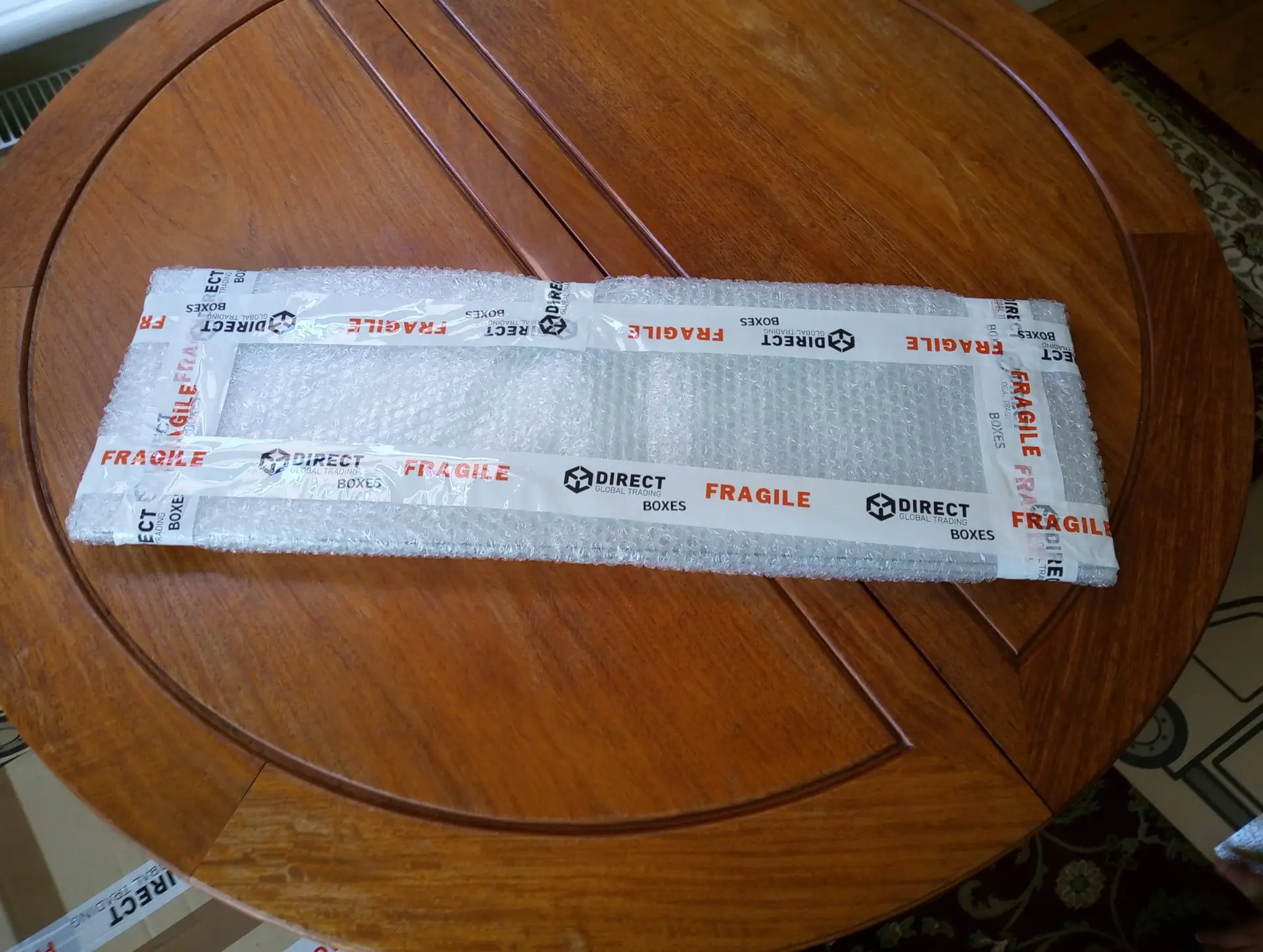
Label every box clearly on two faces and the lid, using the destination room in the new house: “master bedroom”, “kitchen”, “kids’ bathroom”. A simple thick marker pen does the job. Write the contents in shorthand below the room name if it helps you find things later. Boxes of fragile items get the word “fragile” on every visible face and a separate stack at the end of the lorry, so the crew loads them last and unloads them first.
It is worth buying a couple of different-colour markers, one per family member, so the kids can pack their own rooms and the boxes still get sorted. The crew loads by destination, not by origin, and a clearly labelled lorry empties twice as fast as a guess-as-you-go one.
Not Preparing for Delays or Access Issues
Moves run late for two reasons: the chain slips on completion day, or the lorry cannot get close to one of the houses. Both are predictable, both are fixable, and both ruin a move when they are ignored.
Older Bedfordshire town centres are a common access challenge. Narrow Victorian streets, residents-only parking schemes, low railway bridges, and listed buildings with awkward stairwells all slow a move. If your new home is in one of these areas, walk the route the lorry will take a fortnight before move day and check it physically. If parking is restricted, ring the council to suspend a bay or apply for a permit. We help with the survey and the suspension paperwork in our patch.
Chain delays are harder to fix in the moment but easy to plan for. Ask your solicitor for a realistic completion week rather than a fixed day. Book your removals firm with a flexible window. Make sure the team you hire has access to short-term storage at their depot, so if completion shifts by a day or two your contents can sit safely overnight rather than in a layby. Our guide on moving during a chain or completion delay covers this in full. Our alarmed units at the Houghton Regis depot are individually secured, accessible 24 hours a day, and priced by cubic feet rather than an inflated weekly minimum, which keeps the cost fair if you only need a couple of nights.
Forgetting Essentials for Moving Day
Moving day is long. The crew arrives at seven or eight, the lorry is usually loaded by lunchtime, and the unload at the new house can run into the early evening. People forget how tired they will be and end up sitting in an unfamiliar kitchen at nine at night with no kettle, no clean mug, and a baby who will not settle.
Pack a “first night” box and keep it with you in your own car, not on the lorry. Include the kettle, mugs, tea, coffee, a few biscuits, toilet roll, hand soap, clean towels, phone chargers, a change of clothes for everyone, the children’s favourite toys, any prescription medication, a basic toolkit, and a torch in case the lights are slow to come on. Pack the children’s bed sheets, pillows and a couple of bedtime books in the same run, in a clearly marked bag, so beds can go up first and the family can get a proper night’s sleep.
Eat properly too. Sandwiches, fruit and a flask of tea on the kitchen counter from the off. A hungry crew works slower and a hungry family argues faster. For a fuller run-through of the day itself, see our guide on what happens on moving day.
How to Avoid These Mistakes
The fix to almost every one of these mistakes is the same. Start early, plan the move on paper, and pick a removals firm who survey before they quote.
- Six to eight weeks out: book three survey visits this week and sort the rooms you can declutter.
- Four weeks out: order packing materials, book time off, and update your address with the bank, employer, GP, DVLA, electoral roll and Royal Mail redirection.
- Two weeks out: start packing the rooms you use least and build the first-night box as you go.
- One week out: confirm the job sheet with your removals firm in writing, label every box on two sides and the top, and walk the access route at the new house.
For the longer week-by-week version, see our ultimate moving house checklist. For commercial moves, our office removals service covers the same ground for businesses, including IT and file-handling logistics.
If you would like a survey visit and a clear quote from a Bedfordshire team trading since 2002, get in touch and we will come back the same working day.
FAQ’s
Leaving the packing until the final week. Kitchens, lofts and garages always take longer than people expect, and the family runs out of time, energy or both. Start two weeks out, work room by room from the rooms you use least, and label every box across two faces plus the top with the destination room.
Four to six weeks is comfortable for most house moves, longer in peak summer and around school holidays. We can sometimes help with shorter notice if a survey slot is free, but a tighter window limits the choice of dates and the time for proper packing. If your completion date is not yet fixed, ring us anyway. We can pencil in a likely week and confirm once the chain firms up.
Yes. We offer a flexible packing service that runs from breakables only up to a full pack and unpack with material disposal at the end. Many customers book the kitchen and the breakables and pack the rest themselves to keep the cost down. Tell the estimator on the survey visit which rooms you want help with and they will quote both options.
Tell us as soon as you know. We have alarmed storage units at our Houghton Regis depot, accessible 24 hours a day, so if completion slips by a day or two your contents can sit safely overnight rather than on the lorry or in a layby. Storage is priced by cubic feet, so a short bridging stay is fair rather than charged at a weekly minimum.
Yes. Our depot is in Houghton Regis, and most of our work is local to Bedfordshire and the LU5 corridor, including Dunstable, Leighton Buzzard, Luton and Milton Keynes. We also handle Hertfordshire, Buckinghamshire, north-west London and national and international moves.